A complete step-by-step guide — from login to logout. Learn how to manage rooms, staff, and tasks like a pro.
← Back to HomeA 10-second montage — management, front desk, and staff in one system.
Enter your email and password to access your hotel dashboard. Managers, front desk, and staff each have their own login.
💡 Use credentials provided by your hotel admin.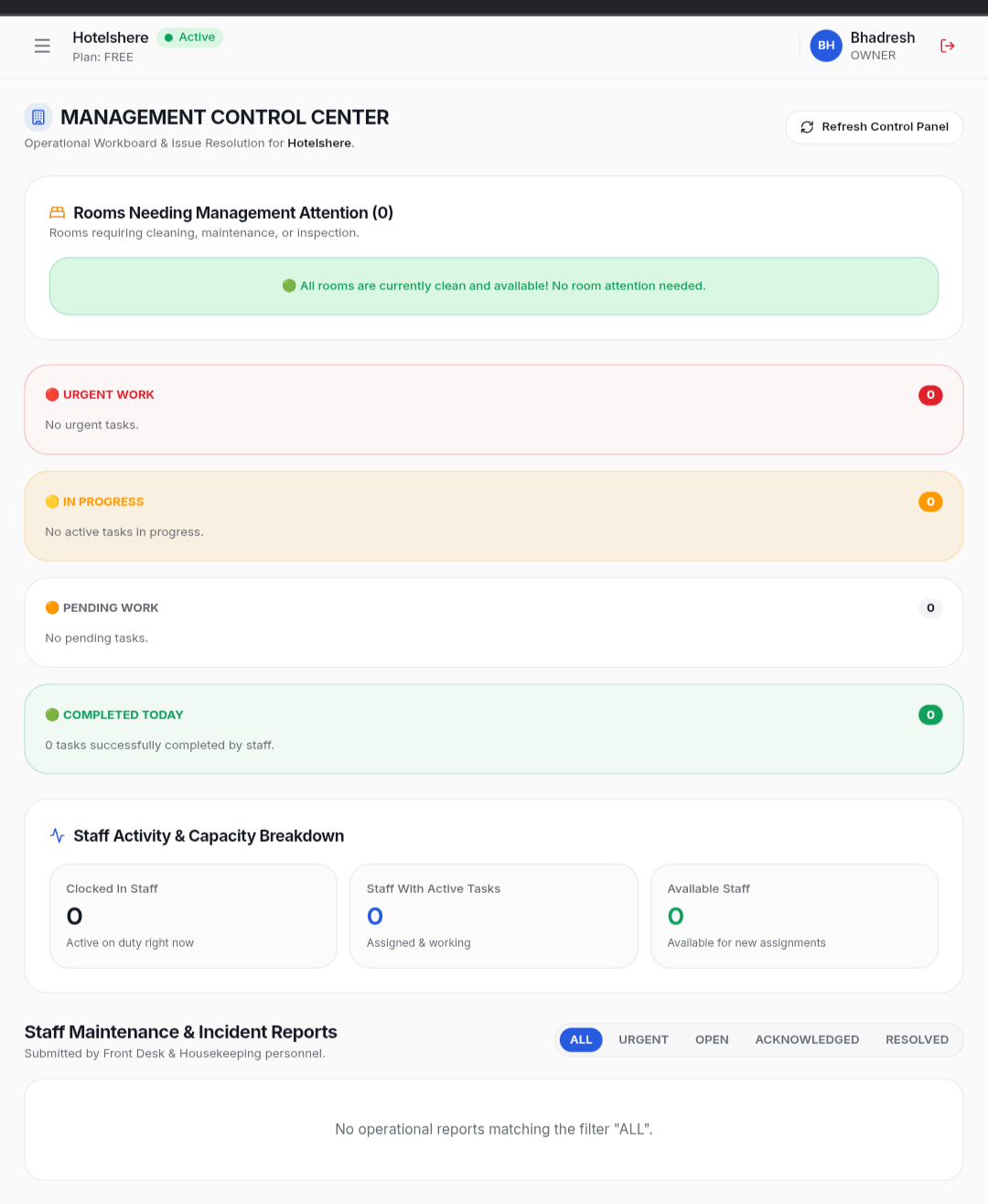
See your hotel at a glance — rooms needing attention, urgent tasks, in-progress work, and completed tasks. Everything in one place.
💡 The dashboard is your command center.
Click "Add Room" to create a new room. Enter room number, type, floor, and description. Up to 7 rooms on the Free plan.
💡 Use descriptive names like "101 - Ocean View"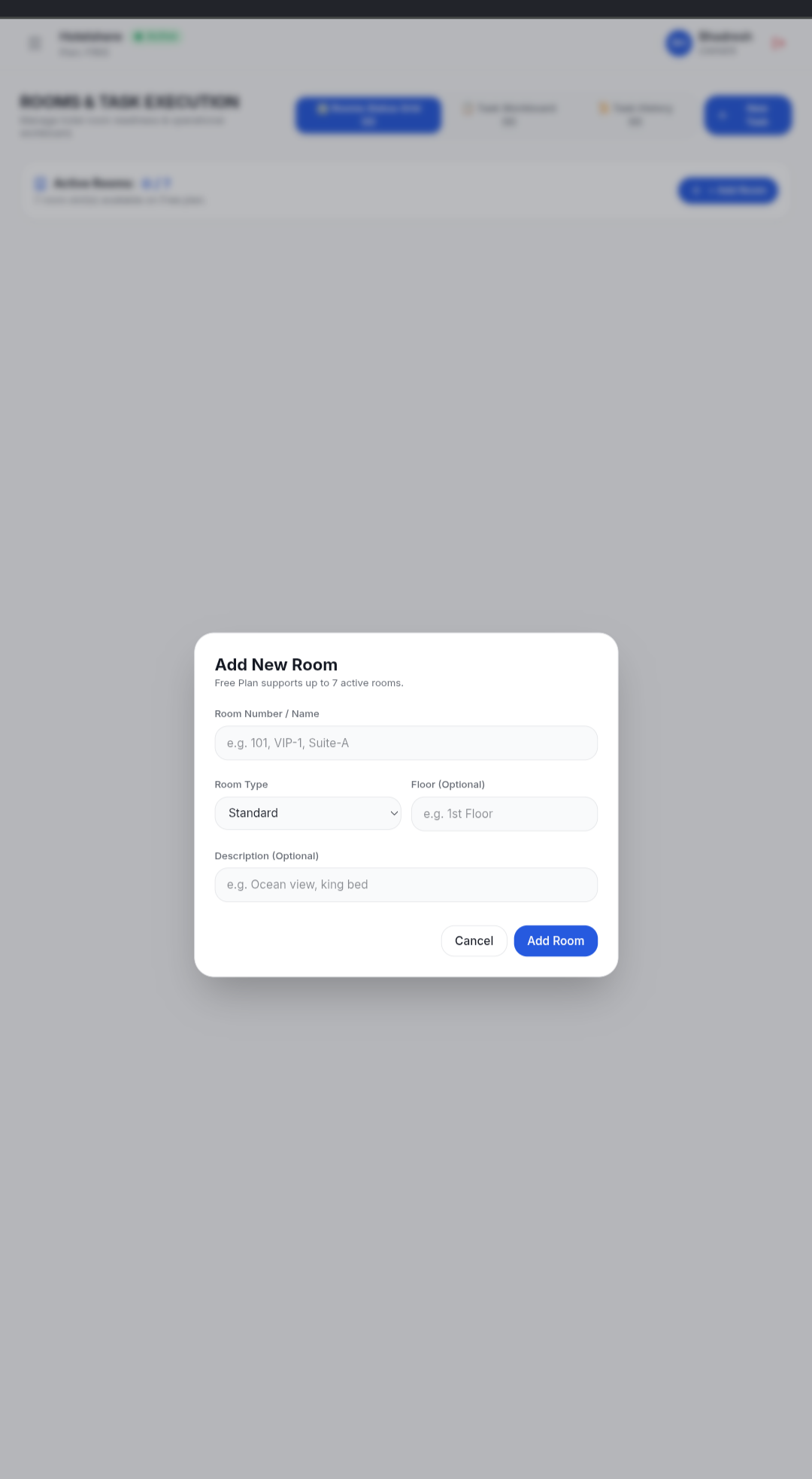
Change room status to Clean, Dirty, Occupied, or Maintenance. This helps staff and front desk know what's happening with each room.
💡 Keep room statuses updated in real-time.Add staff members, assign roles (Manager, Front Desk, Staff), and track attendance. See who's present, working, or left for the day.
💡 Each staff member gets their own login.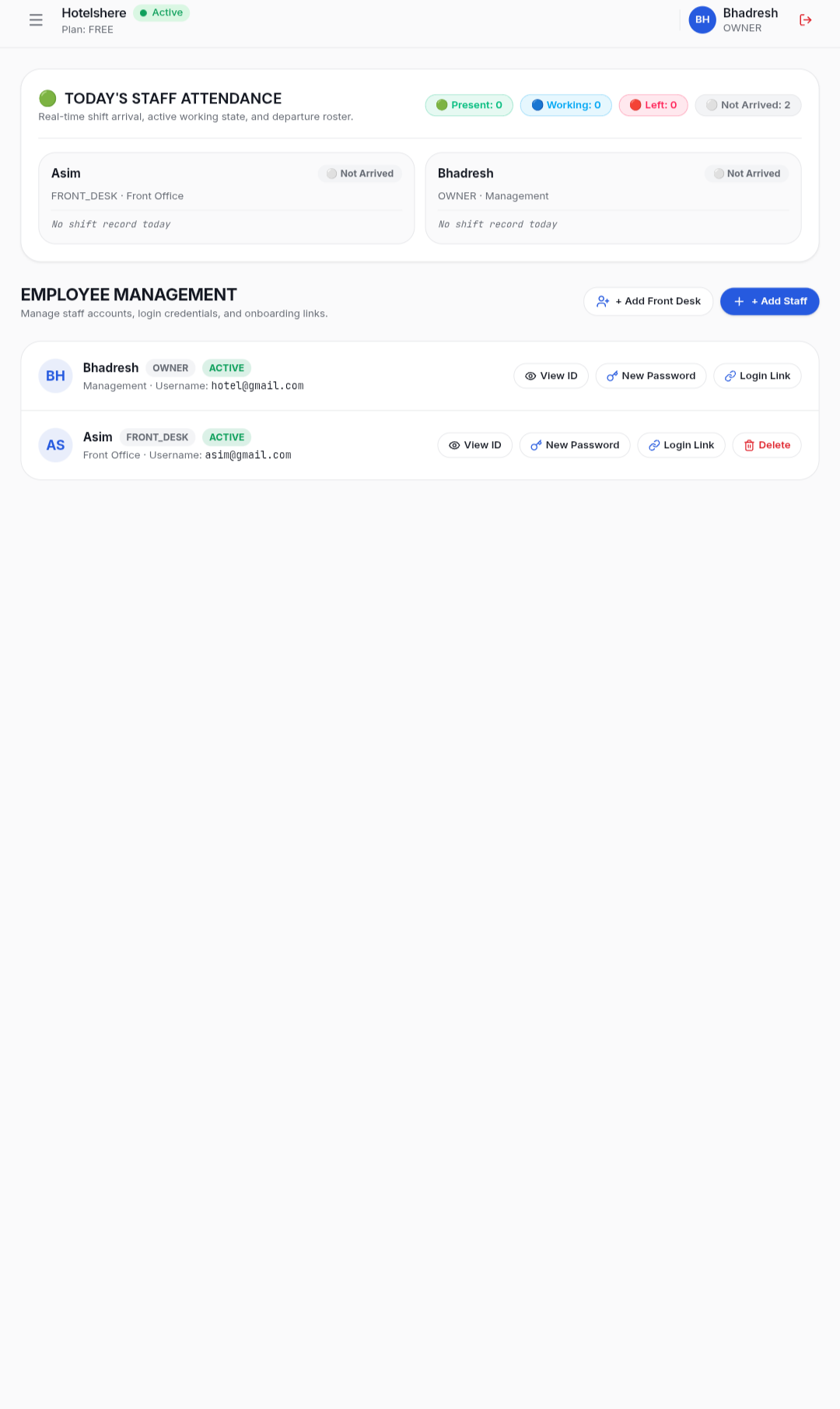
Front desk or managers can create tasks for staff. Add a title, assign to a room, select department, and set priority level.
💡 Assign tasks to specific staff members for clarity.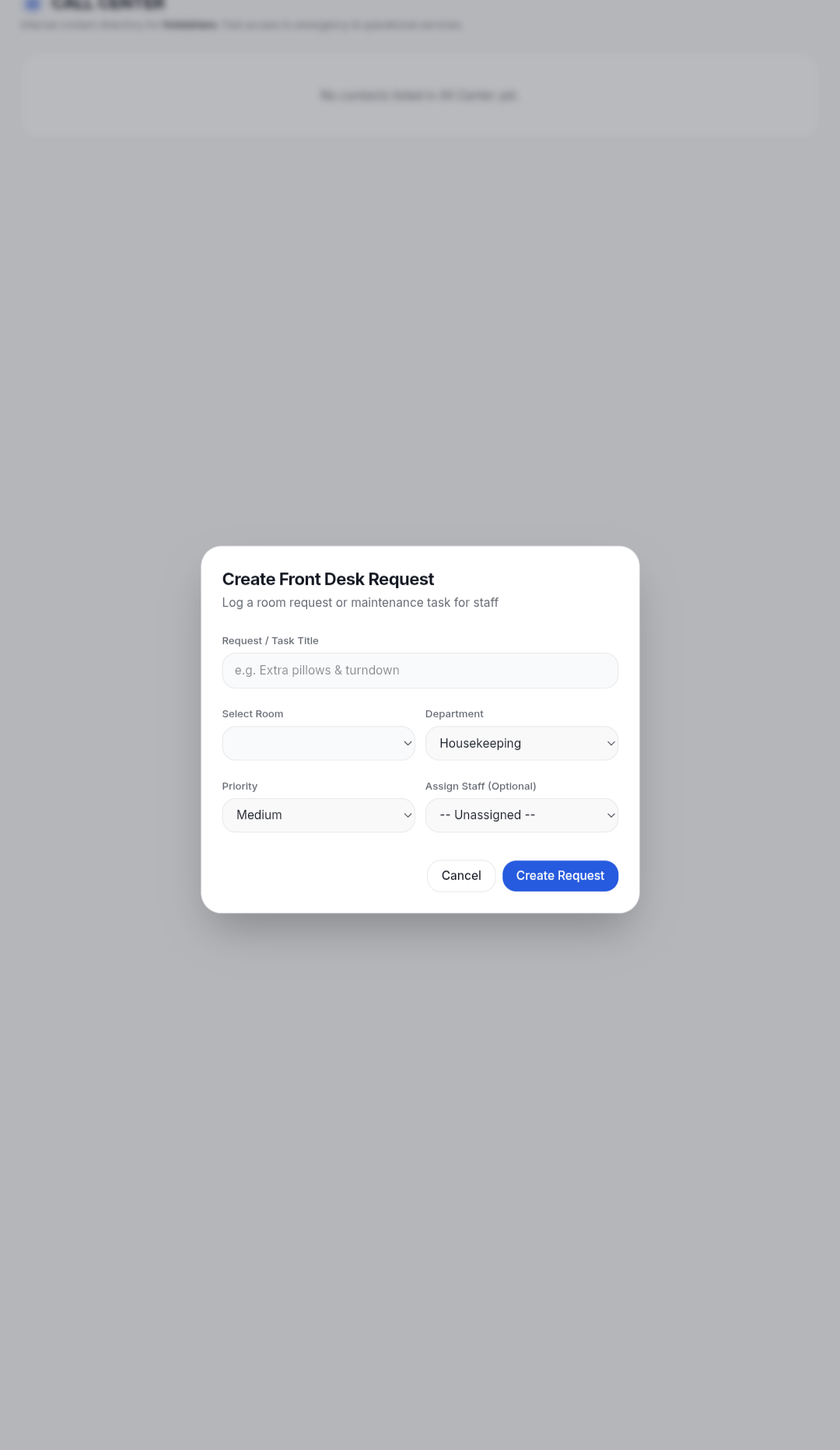
Log guest requests, assign tasks, report problems. Everything tracked in one place. The front desk moves work instead of chasing it.
💡 Use "Report Problem" for urgent issues.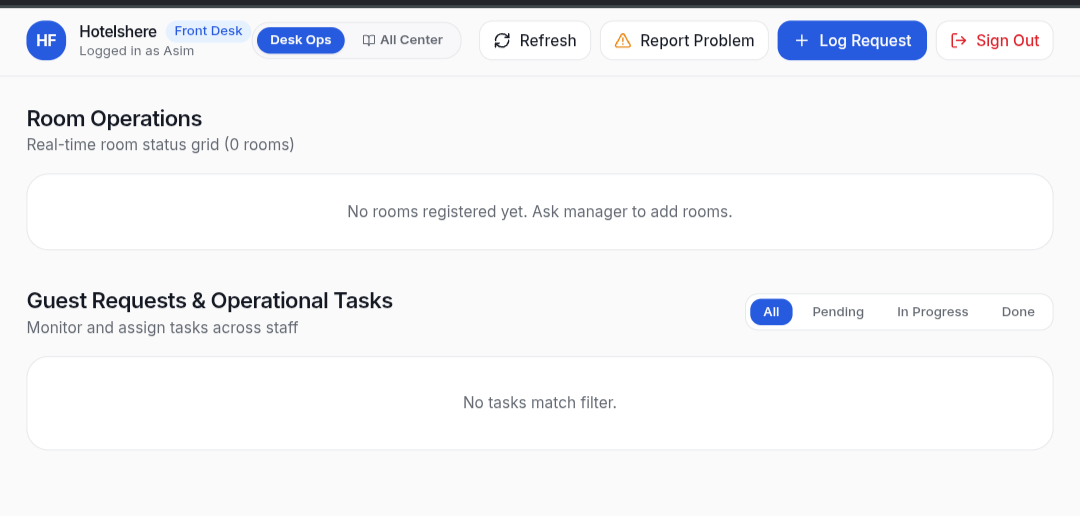
Staff see only their assigned work. Open the app → see the work → do the work → prove it → move on. Simple and focused.
💡 Download the APK from the website.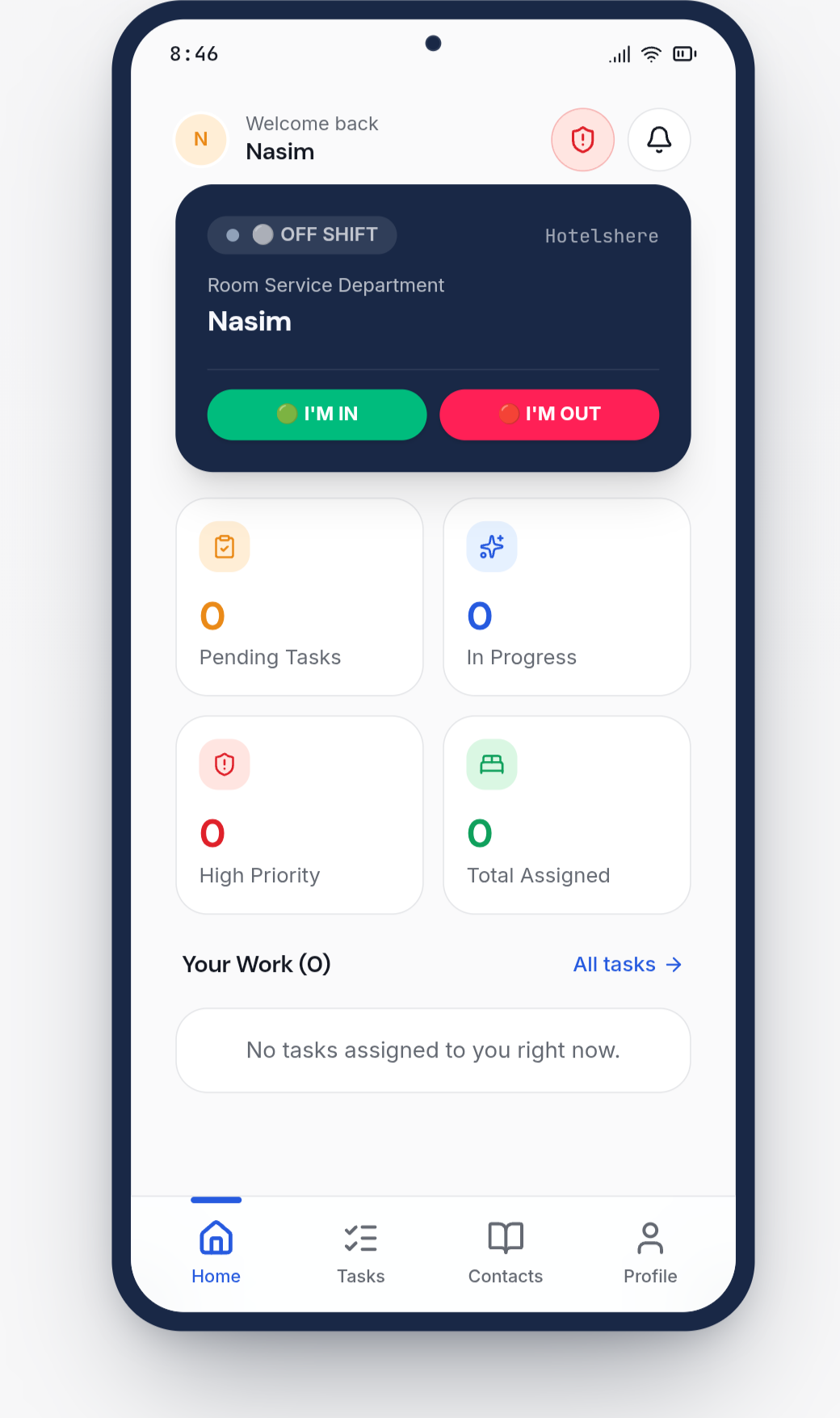
Attach photo proof before completing a task. This gives management visual confirmation that work was actually done.
💡 Take clear photos for better documentation.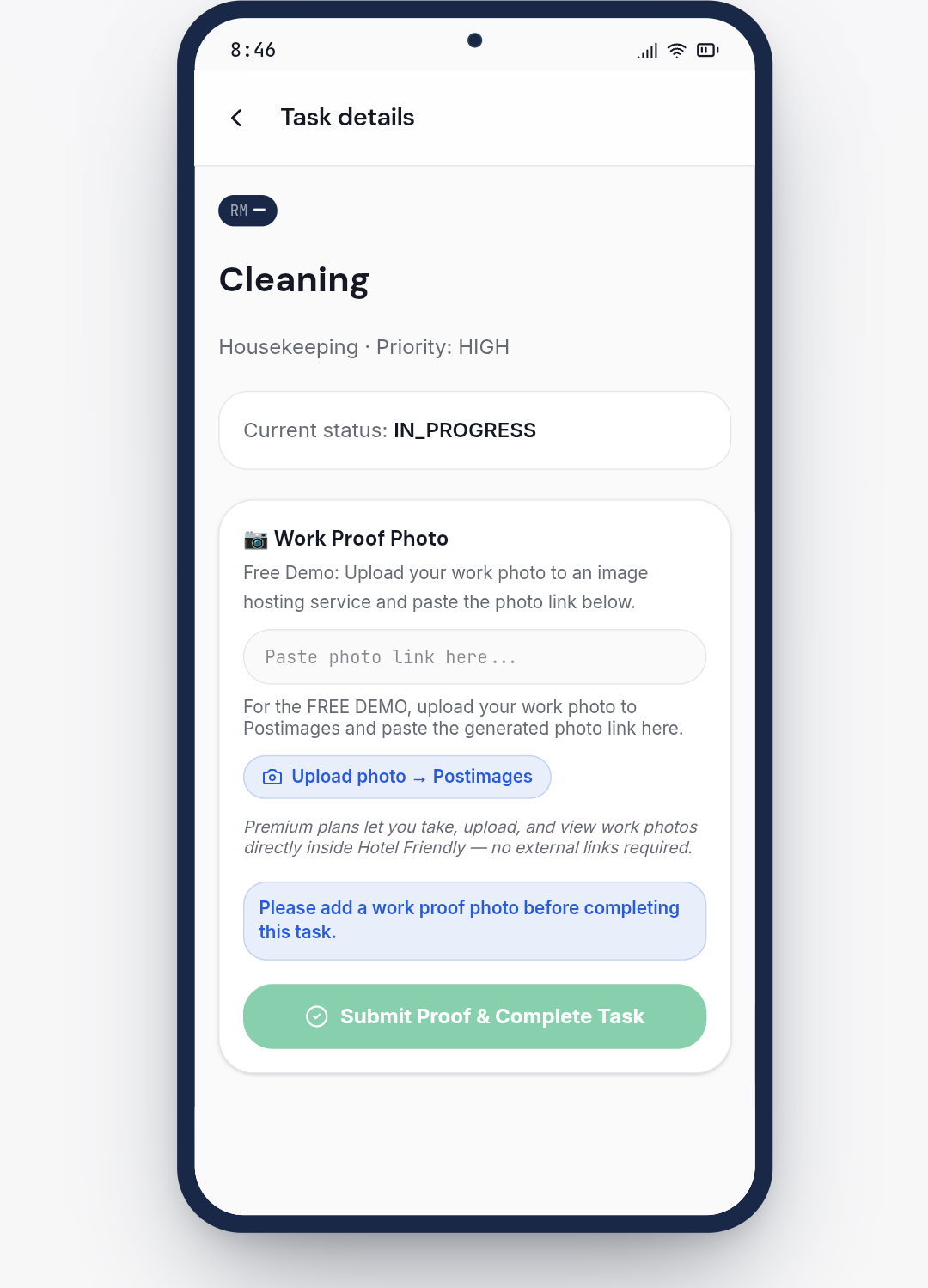
See 20-day operational reports — tasks completed, pending tasks, rooms serviced, staff attendance breakdown, and more.
💡 Use reports to track hotel performance.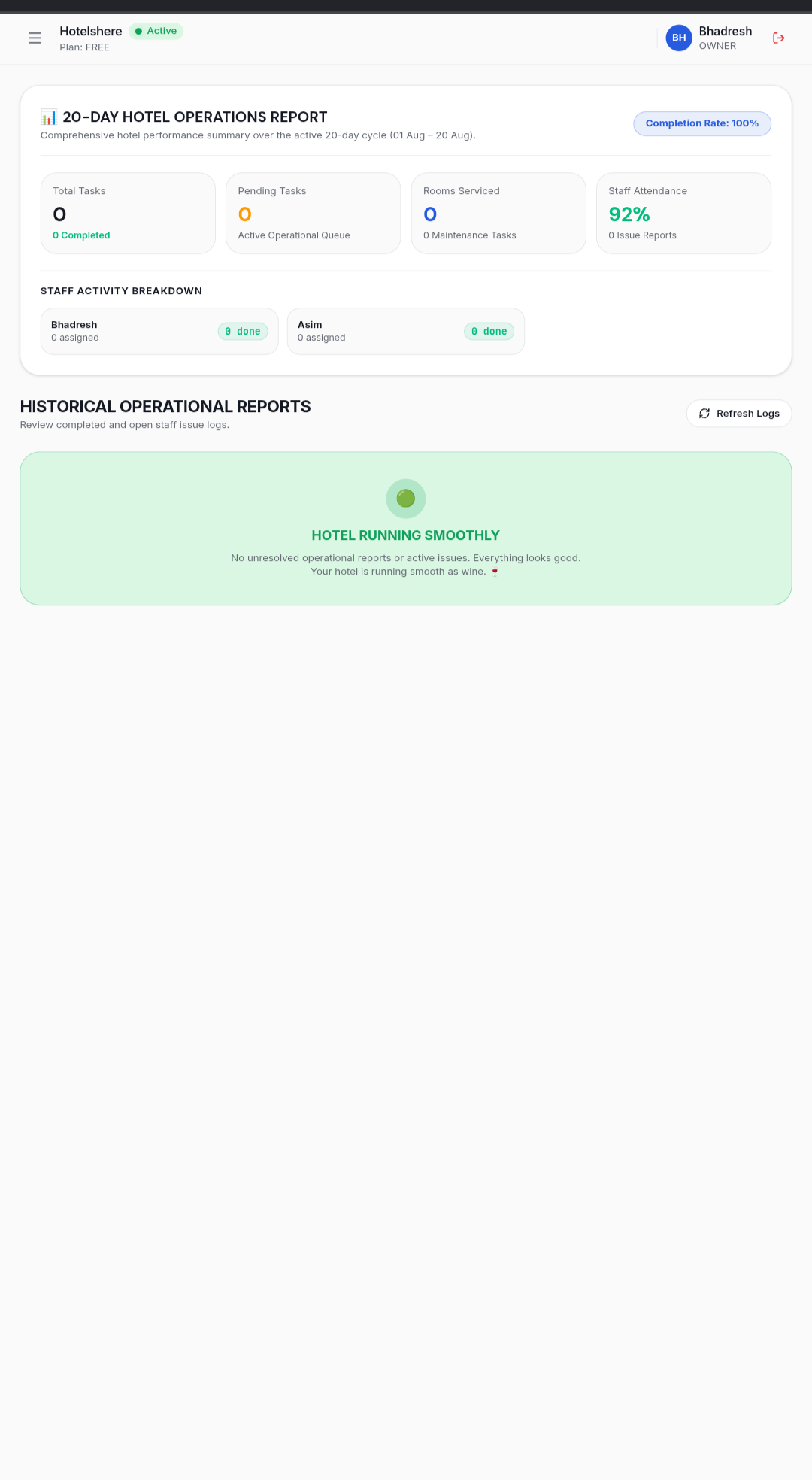
Update your profile, rename your hotel, manage staff accounts, and access the danger zone for account deletion.
💡 Only managers/admins have access to settings.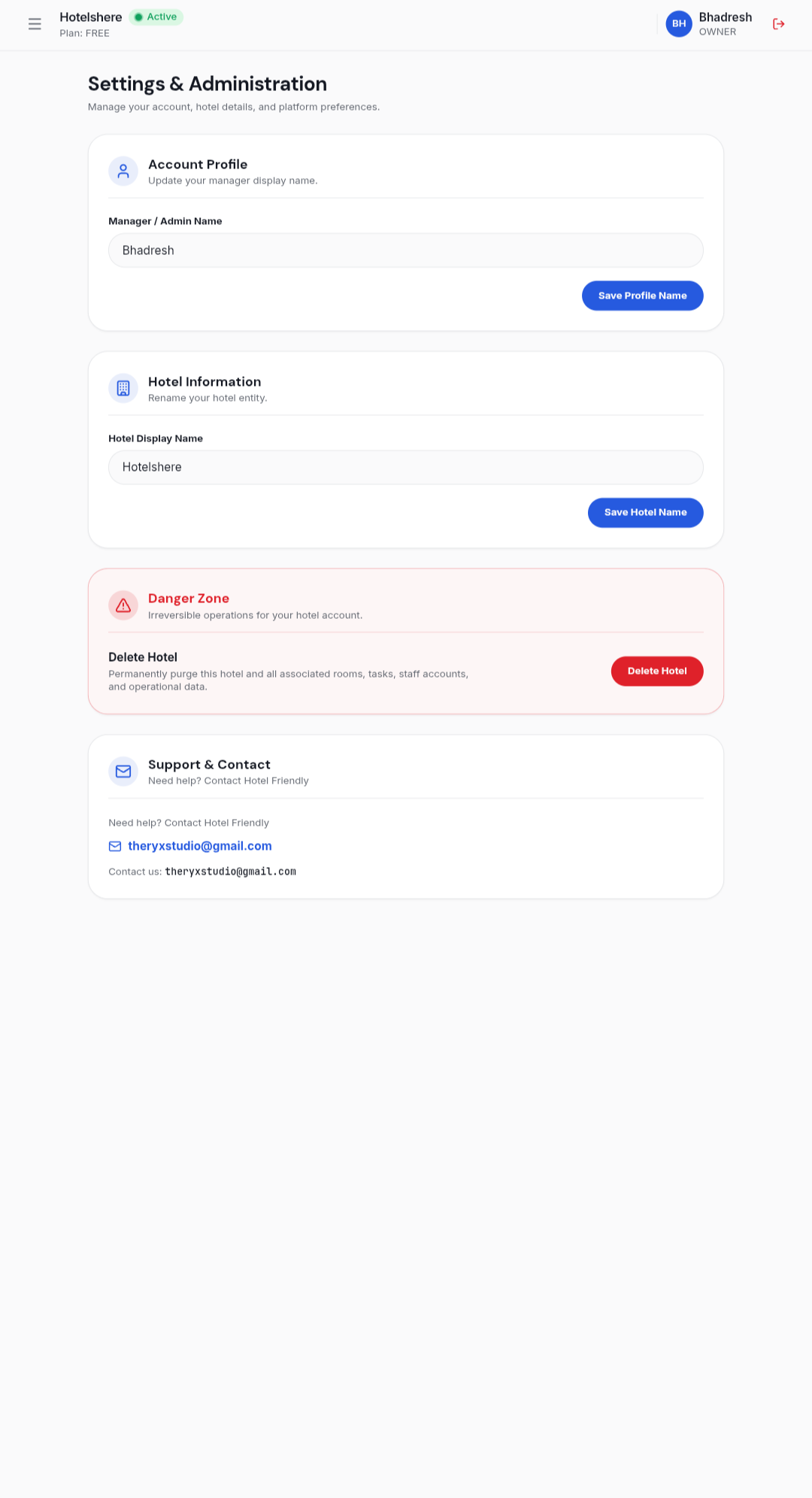
Click "Sign Out" to securely logout of your account. Always logout when using shared devices.
💡 Your session stays active until you logout.
Start your 20-day free trial today. No credit card required.